$43.99
$83.58
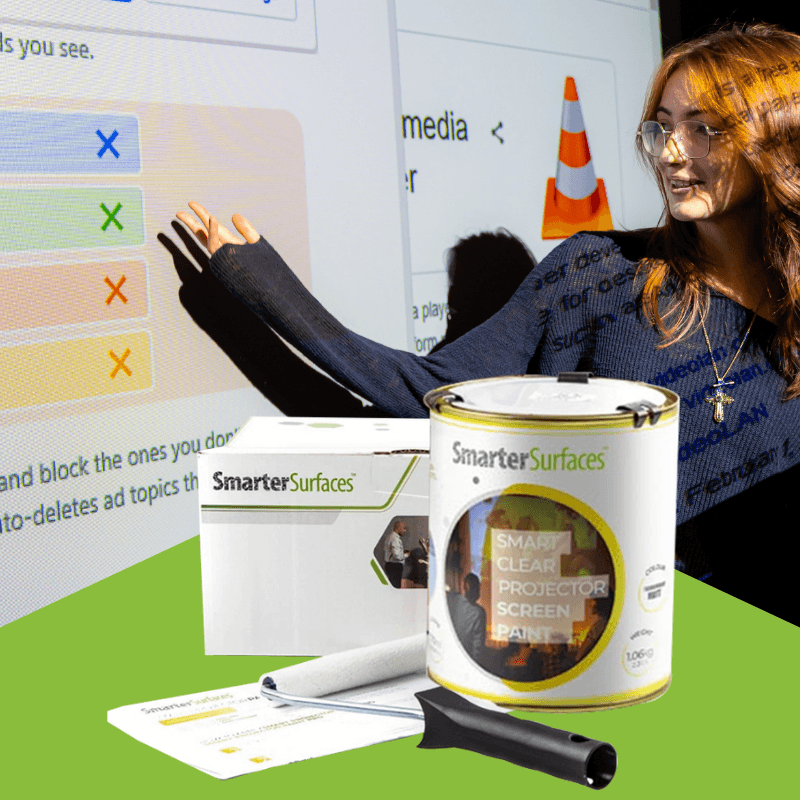
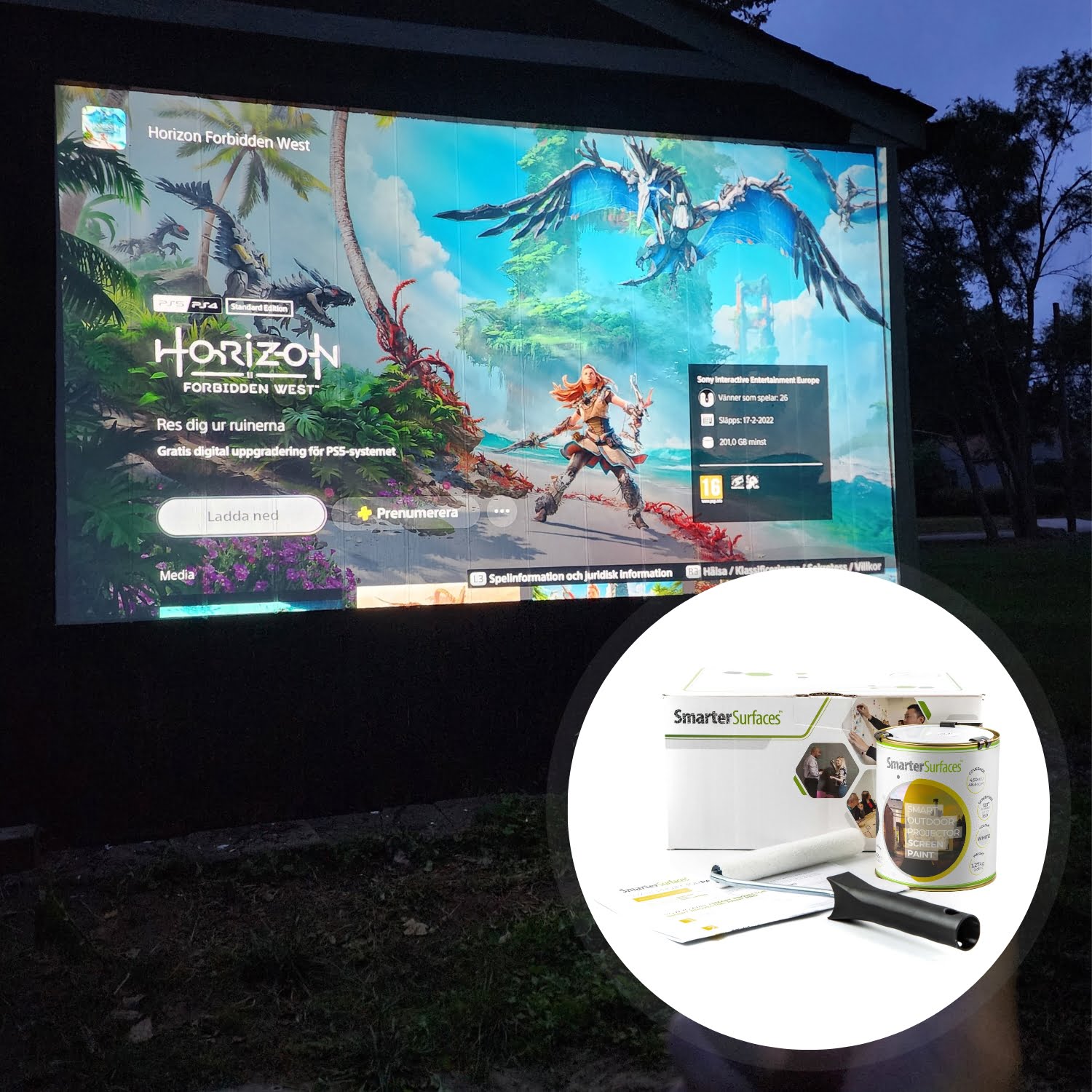
Delivery InformationVolume discountsTechnical SpecificationsCustomer ReviewsInstallationBenefits of Ambient Light Rejecting Projector Screen PaintSuperior Ambient Light Control Ambient Light Rejecting Paint resists unwanted light ingress, selectively reflecting projector light while scattering excess light, improving image quality in brighter rooms.High Visual Clarity Projection Designed to maximize pixel definition, clarity, and rejection of ambient light, delivering luminous, high-definition images for home theaters and gaming setups.Reduced Glare and Reflections Ultra matte layering technology eliminates both specular and diffuse reflection, minimizing stray light and maintaining image integrity.Premium Projection Quality ALR Screen Paint surfaces are meticulously tested with industry-standard projectors for crystal-clear displays without any hotspotting or performance loss.Seamless and Stylish Integration Designed for convenience, Smarter Surfaces easy-to-apply solution transforms any space into a projection-ready area while delivering a modern and sleek finish that perfectly complements architectural aesthetics.Projector Compatibility and LightingProjector Requirements: Interactive, HD, 4K, Standard ProjectorsMinimum Recommended Lumen Value: 2,000 LumensLighting: works in most rooms with normal to high ambient lightCompatible Surfaces: can be applied to fabrics and is suitable for painting or refurbishing old screens, but not suitable for roll-up screensPerformance4K & 8K Ultra HD ReadyGain Value @ 90 °: 0.71Viewing Angle: 140 degreesCertification: Independent Projection Performance Report – CRESTComparison TableCompare the performance and specifications of Smarter Surfaces full projection rangeView Comparison TableALR Screen Paint - Technical SpecificationsColor: Light Grey Finish: Ultra Matte Screen Size / Coverage:48 sq ft : 120” at 16:9 Aspect Ratio270 sq ft : 301" at 16:9 Aspect RatioVolume:48 sq ft : 29.75 fl oz270 sq ft : 169.07 fl ozEnvironmental (exceeds all US standards): low VOC, Solvent free, PFOA & PFOS free and Isocyanates free Odor: Very Low VOC: Less than 0.33% Certification: Independent Projection Performance Report – CREST, Gypsum Surface Finish Quality Standard of US Level 5Confused about which product to choose? Let us make it simple for you. Reach out to us through video call, live chat, phone, or email for expert advice. From tailored recommendations to technical tips, we’re here to help you find the perfect fit. Need installation guidance? Count on us for step-by-step support and expert advice.What’s in the KitsKit Contents 48 sq ft1x ALR Screen Paint 1x White Primer 1x Roller 1x Roller Handle 1x Application GuideKit Contents 270 sq ft1x ALR Screen Paint 1x Application GuideALR Screen Paint Customer ReviewsMAC AV Solutions Impressive performance. We were looking for a solution for an ALR projection screen for a large auditorium with high light levels but in a large size which was proving cost prohibitive, then we found Smarter Surfaces. I have to complement the technical support and the product has been fantastic, excellent value and very effective.Finco Ltd Good product and good support was provided, and will use again. Thomas JEast Coast AV This product was identified by the client for a church hall and to be fair has worked very well. Painted on similar to an oil paint with no issues, surface preparation is very important.Explore More Products From Smarter SurfacesQuick View(0 Reviews)High Contrast Projector Screen Paint – Light Grey Matte From $251.00 Select options This product has multiple variants. The options may be chosen on the product page Quick View(0 Reviews)Clear Projector Screen Paint – Transparent Projector Screen From $251.00 Select options This product has multiple variants. The options may be chosen on the product page Quick View(0 Reviews)Ultra High Contrast Projector Screen Paint – Premium Image Clarity From $263.00 Select options This product has multiple variants. The options may be chosen on the product page Quick View(0 Reviews)Black Projector Screen Paint for High Contrast Projections From $251.00 Select options This product has multiple variants. The options may be chosen on the product page FAQ's What is an Ambient Light Rejecting Screen Paint? Ambient light rejecting (ALR) screen paint is a special coating that turns any wall or surface into a high-performance projection screen that scatters ambient light and rejects light ingress from the sides. It is ideal for larger open spaces like auditoriums, conference rooms, churches or any space where controlling ambient light is challenging. It works especially well with modern short-throw and laser projectors, giving professional-quality viewing at a fraction of the cost of traditional screens. What color are ALR screens? ALR screens usually come in light grey or neutral grey. This helps reduce unwanted light while keeping the colors from your projector accurate. Smarter Surfaces ALR paint is light grey with an ultra-matte finish. How do I choose the ideal gain for my projector screen? The standard gain of 1.0 ensures uniform brightness and wide visibility. However, an ideal gain value depends on factors like ambient lighting, projector brightness, screen size, and seating arrangement. So make sure to thoroughly evaluate your environment and preferences to understand what works best for your viewing experience. Is Ambient Light Rejecting (ALR) screen paint suitable for blended projections? Yes, absolutely. ALR screen paint is perfect for creating seamless and immersive blended projections that are ideal for art installations, theaters, and large-scale presentations. Its advanced formulation ensures precise colour accuracy, even brightness, and exceptional light diffusion, thus allowing smooth transitions between projected images.By eliminating the need for bulky and costly physical screens, ALR screen paint provides a flexible and budget-friendly option for large-scale blended displays. Turn any space into a captivating canvas where multiple projections harmoniously come together to leave a lasting impression. Does ALR screen paint work with both 2D and 3D projectors? Yes, ALR screen paint is completely compatible with both 2D and 3D projectors. It delivers exceptional performance in any mode, ensuring immersive and captivating visuals. Also, when paired with 3D glasses, it perfectly maintains the intended effect, thus offering a brilliant viewing experience. What makes ALR Screen Paint polarity preserving? 3D projectors work by displaying two slightly offset images that overlap on the screen. These images are filtered through specialized optics, polarizing the light differently for each projection. When viewed through 3D glasses, each lens filters out one image, thus allowing the left eye to see one projection and the right eye to see the other, thereby creating a stereoscopic effect.For the 3D experience to remain intact, the screen must maintain the polarization of the projected light. Smarter Surfaces ALR Screen Paint is designed to preserve this polarization, ensuring that the intended 3D effect is perfectly maintained without distortion, delivering a truly immersive experience. Why are Projection Paints acoustically transparent? Acoustic transparency refers to a material's ability to allow sound waves to pass through it without significant absorption or reflection. This is measured by the Sound Absorption Coefficient (SAC) which indicates the proportion of sound energy absorbed when sound waves interact with the material.We conducted tests on a standard 12mm gypsum board, a commonly used material, to measure the SAC across different frequencies. The results for both unpainted and painted boards were identical:Unpainted Board α = 0.04-0.07 Painted Board α = 0.04-0.07These consistent results demonstrate that Smarter Surfaces Projection Paints do not alter the sound absorption properties of the surface. Whether applied on walls or boards, the paints ensure that sound quality remains unaffected, making them an excellent choice for spaces where both audio and visual performance are critical. How does ambient ight rejecting screen paint work ? This innovative Ambient Light Rejecting Projection Screen Paint uses unique pigment particle technology to scatter ambient light ingress from the horizontal plane, which protects the projected light beam by reducing light interference. What surfaces are compatible with Ambient Light Rejecting Projector Screen Paint? The Ambient Light Rejecting Screen Paint works well on smooth surfaces such as plaster, wallboards, wood, metal, concrete, and composites. It is especially designed for interior use only. Do I need to prime the surface before applying ALR Screen Paint? For obtaining the best results, we recommend applying ALR screen paint on a primed or previously painted surface. Bare, untreated surfaces should ideally be primed with one coat of White Primer. Is ALR Screen Paint safe to use? Yes, absolutely. ALR Screen Paint is completely safe and eco-friendly. It is low VOC, solvent-free, PFOA & PFOS-free, and 100% isocyanate-free.Certified for fire performance and VOC compliance, it meets the highest environmental standards. As a precaution, we advise wearing gloves during application. Is ALR Paint isocyanate-free? Yes, Smarter Surfaces ALR Paint is entirely free from isocyanates and solvents. Unlike lower-quality alternatives that may contain hazardous isocyanates, our products are designed for safety and do not require specialized handling or rigorous safety protocols. What protective gear should I use when applying ALR Paint? While using ALR Paint, wear the gloves provided in the kit. Additionally, safety glasses are recommended. Ensure the room is well-ventilated during the application process. Is ALR Paint flammable? No, ALR Paint is non-flammable and certified for fire safety, thus making it suitable for use in schools, offices, and other public spaces. It boasts a high flashpoint exceeding 158°F, ensuring added safety. Can ALR Paint be applied in occupied spaces? Yes, it is safe to apply ALR Paint around adults and children. Being low-odor, low VOC, and isocyanate-free, it is specifically designed to provide a safe and user-friendly application experience. How can I remove ALR Paint from my skin? Well, if the paint comes into contact with your skin, then all you need to do is thoroughly wash your skin with warm and soapy water. What do I do if I spill the paint? Ambient Light Rejecting paint is water-based, so it can be cleaned using water. How can I clean my ALR screen? Ideally, with compressed air, which can be purchased in aerosol formart, or dab your surface slightly damp with a warm water cloth. Which projectors are compatible with ALR screen paint? Smarter Surfaces ALR Screen Paint works best with projectors that have a brightness of 2000 lumens or more, ensuring optimal performance. How much is the gain value of Smarter Surfaces ALR projection paint? The gain value of Smarter Surfaces Ambient Light Rejecting Screen Paint is 0.71 at a 90° viewing angle, offering enhanced contrast and clarity. Ambient Light Rejecting Projector Screen Paint – Easy DIY InstallationHow To Apply ALR Screen PaintAmbient Light Rejecting Projector Screen Paint is suitable for use on plaster, wallboards, wood, metal concrete and composites. You can use either a roller or spray to apply the ALR paint, though we recommend a roller for most applications.Step 1- Prepare the Surface: ensure that the surface is clean, dry, and free of debris before starting to apply the paint.Step 2- Measure the area you wish to paint and clearly mark it using masking tape.Step 3- Prepare the ALR Screen Paint: Thoroughly stir the paint before the application process. For attaining the best finish, use a mohair or lint-free short-pile roller sleeve to evenly distribute the paint.Step 4- Apply Ambient Light Rejecting Screen Paint: Ensure the base is smooth and free from surface defects (lightly sand if required). If you're painting a specific area rather than an entire wall, use masking tape to define the space. Note: For bare or untreated surfaces, apply a single coat of White Primer first. Additionally, make sure to address any surface imperfections by filling any cracks or holes and sanding the area smooth with 120-grit sandpaper.Step 5- Once you’ve applied ALR Projector Screen Paint to your wall, let it dry completely for 24 hours. After the surface has cured, it’s ready to use as a projection screen. Step 6- Position your projector, align it with the painted wall, and then adjust its settings as required. For the best viewing experience, please refer to your projector’s owner’s manual to ensure proper calibration.A full application guide to help you apply Ambient Light Rejecting Paint.Watch the Step-by-Step Video Application GuideAmbient Light Rejecting Paint Videos Watch the Step-by-Step Video Application Guide Whiteboard Paint White for Education Whiteboard Paint White Case Study
Whiteboard Range